There’s a particular kind of LinkedIn post I’ve stopped reading. It opens with a render of a GPU the size of a refrigerator, announces that we’ve entered the age of the neocloud, and implies that if you’re not renting H-whatevers by the hour you’ve already lost. The GPU hype is real, and it isn’t wrong, exactly. Models do run on GPUs. Training and inference are genuinely GPU-bound problems.
But here’s what nobody selling you GPU capacity wants to dwell on: most enterprise agents don’t have a GPU inside them at all. They call one over an API. The agent itself, the thing that reads your files, runs your tests, drafts the email, opens the pull request, waits forty minutes for a build, and tries again, is a long-running process on a plain CPU virtual machine. The neocloud rents you the brain by the token. You still have to house the worker.
And the worker needs a babysitter.
The harness everyone forgot has a basement
There’s a talk making the rounds right now that I think is exactly right, and I want to build on it rather than argue with it. The argument goes: building an agent is the easy part, since there are a hundred tutorials. The hard part is maintaining the harness (some people call it the workbench) around the agent as the world drifts and the model improves underneath you. The harness is what the agent reads, what it remembers, which tools it can touch, what it’s allowed to change, and what stops it when the work gets risky. Agents, the talk says, are less like apps you launch and walk away from, and more like sailboats. They live in motion, salt gets into everything, and the lines loosen whether or not you designed the boat well. (If you want the deeper version of that idea, Stewart Brand’s Maintenance of Everything from Stripe Press is the book the talk is built on. Worth your time.)
Because that harness, the tools, the prompts, the memory files, the approvals, the logs, the network controls, the credential storage, runs on something. Under the workbench is a workshop, and the workshop is a virtual machine. Every “logical” maintenance chore the talk describes has a physical twin one layer down. The model improving doesn’t help you if the host died at 2 a.m. Pruning the agent’s tools doesn’t matter if the agent overwrote its own working directory. Sandboxing the agent in software is theater if it can still reach every other VM on the network.
The model runs on a GPU. The agent lives on a VM. And the hard problems of keeping an agent alive, namely uptime, state, resource growth, secure multi-tenancy, and blast-radius containment, are classic virtualization problems. They were solved years ago. They’re just sitting in your data center under a different product name.
The 2 a.m. story
This could probably be your life.
You give an early, not-very-reliable agent a careful harness: narrow prompt, strict tools, “only summarize, don’t act.” That’s the right call for a weak model. Then the model gets better, genuinely better, over a single quarter, and now it can act. It can take twenty plausible actions in a few minutes, and they all look organized and reasonable. One night, working a long task you’ve left running unattended, your perfectly well-meaning coding agent decides the test harness would be cleaner if it “consolidated” the config, force-pushes a branch, deletes some fixtures it judged unused, and rewrites a setup script. It is not malicious. It is helpful. It has also just spent four hours making a mess that a human now has to spend a day unwinding.
This is the most common agent failure I see, and notice what it is not. It’s not a crash, and it’s not a hack. It’s overreach. The agent did exactly what an agent does, it produced work, and the work was wrong in a way that’s expensive to reverse by hand.
Here’s the move you actually want at 2 a.m.: don’t debug it. Roll the whole VM back to the snapshot you took before the task started. Thirty seconds, back to last-known-good, and you go to bed. That single capability, cheap, instant, whole-machine rollback, reframes the entire risk profile of running agents. Misbehavior stops being a lost night and becomes an undo button.
That’s chore number four on the list. Here’s the whole list.
The agent babysitting checklist
For each one: the pain first, then why it’s really a VM problem, then the Nutanix capability that already solves it. I’m naming real features and conceding real alternatives. You can absolutely do a lot of this on bare metal or a hyperscaler; I just want you to see what that choice costs.
1. Keep it alive
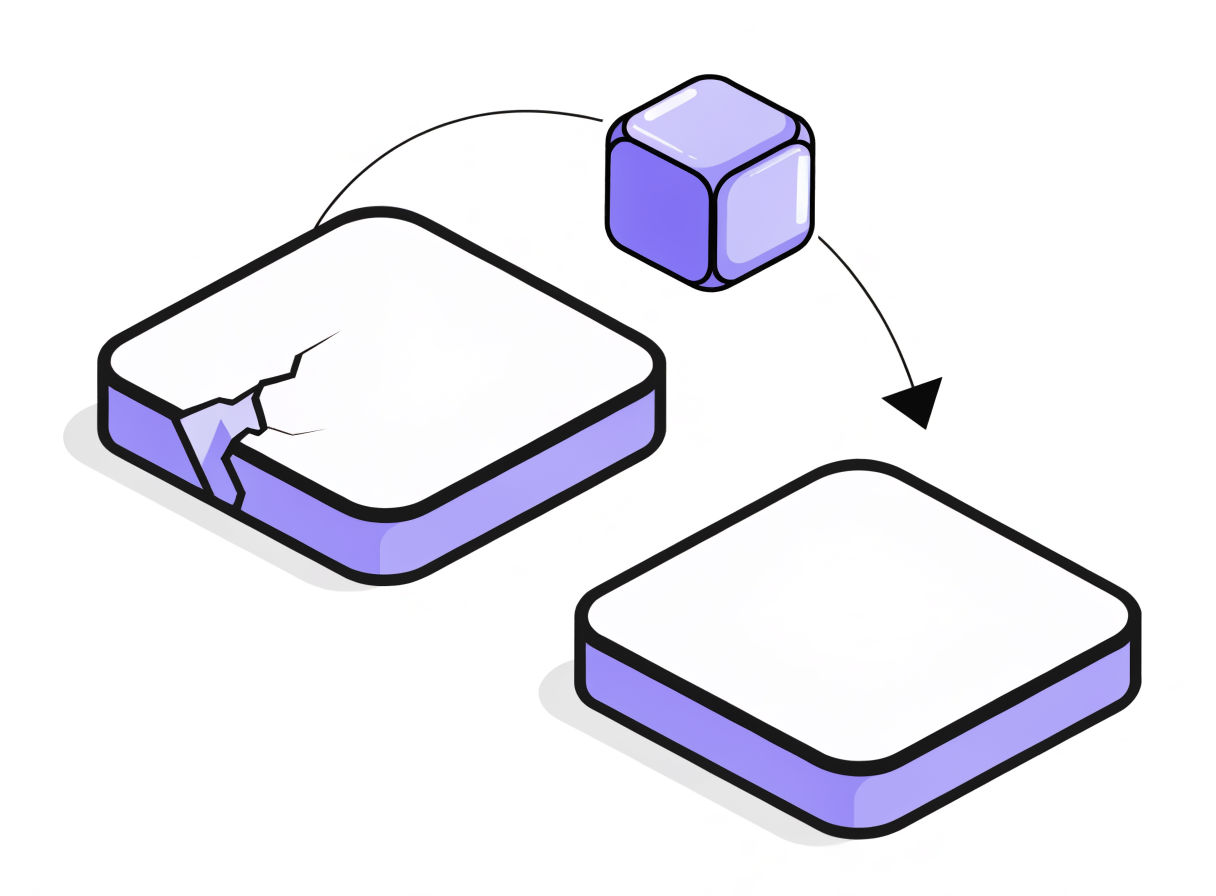
Pain: A long-running agent task can’t survive the host underneath it dying. The neocloud doesn’t care about your forty-minute build; if the box goes, the work goes. Why it’s a VM problem: Uptime of a stateful, always-on process is the oldest virtualization problem there is. Nutanix: AHV’s VM High Availability is on by default. When a host fails, VMs restart automatically on surviving hosts. For agents you can’t afford to lose, switch on Guarantee mode, which pre-reserves RAM across the cluster so the restart actually has somewhere to land instead of failing because the survivors were full.
2. Protect its state
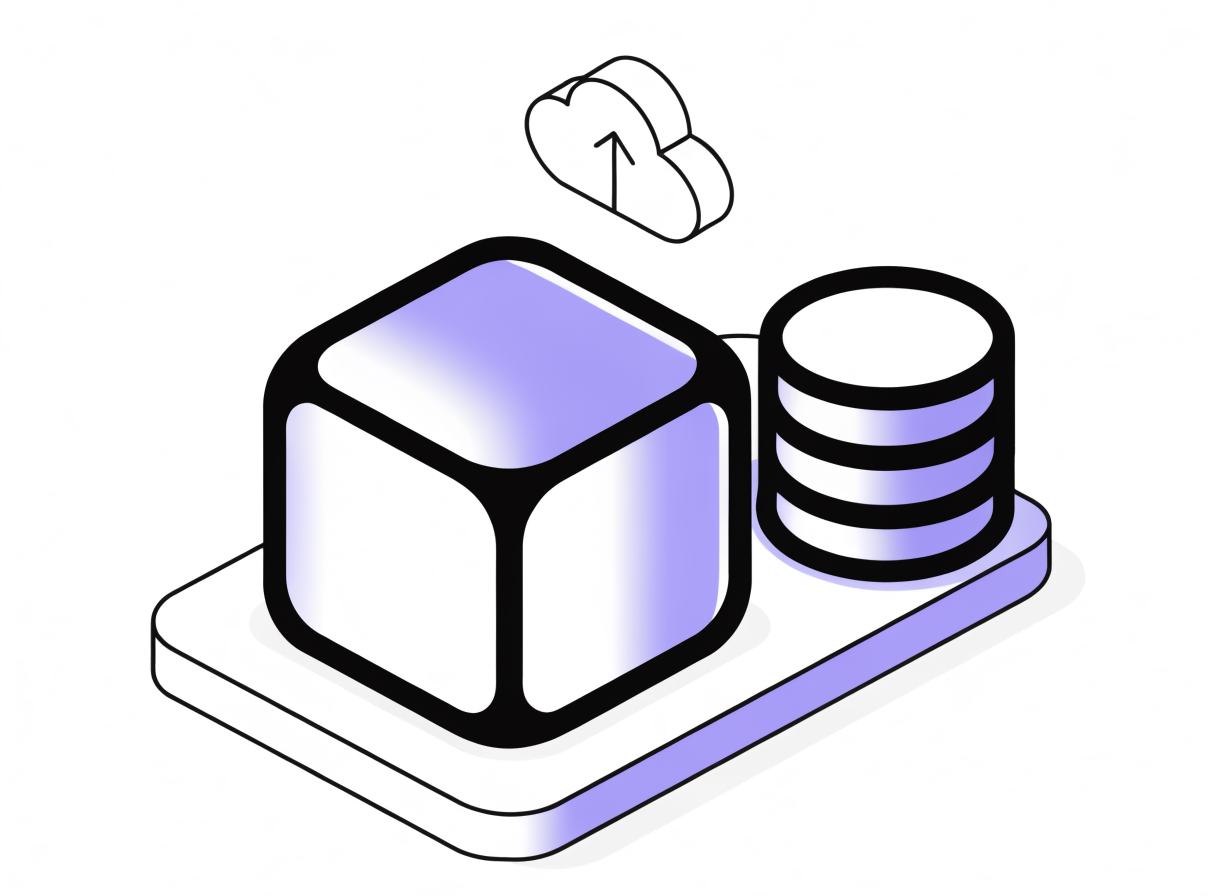
Pain: “It’s all in Git” is a comforting lie. The agent’s real working state is a sprawl of caches, fixtures, half-finished scratch, local model weights, and config that never gets committed. Lose the VM, lose all of it.
Why it’s a VM problem: The unit of state that matters is the whole machine, not the repo.
Nutanix: Protection Policies capture recovery points on a schedule and replicate them off-cluster. Assignment is category-based: tag a VM role: agent and it’s protected automatically, including every new agent VM that inherits the tag. No per-VM babysitting of the backup itself.
3. Grow it on demand
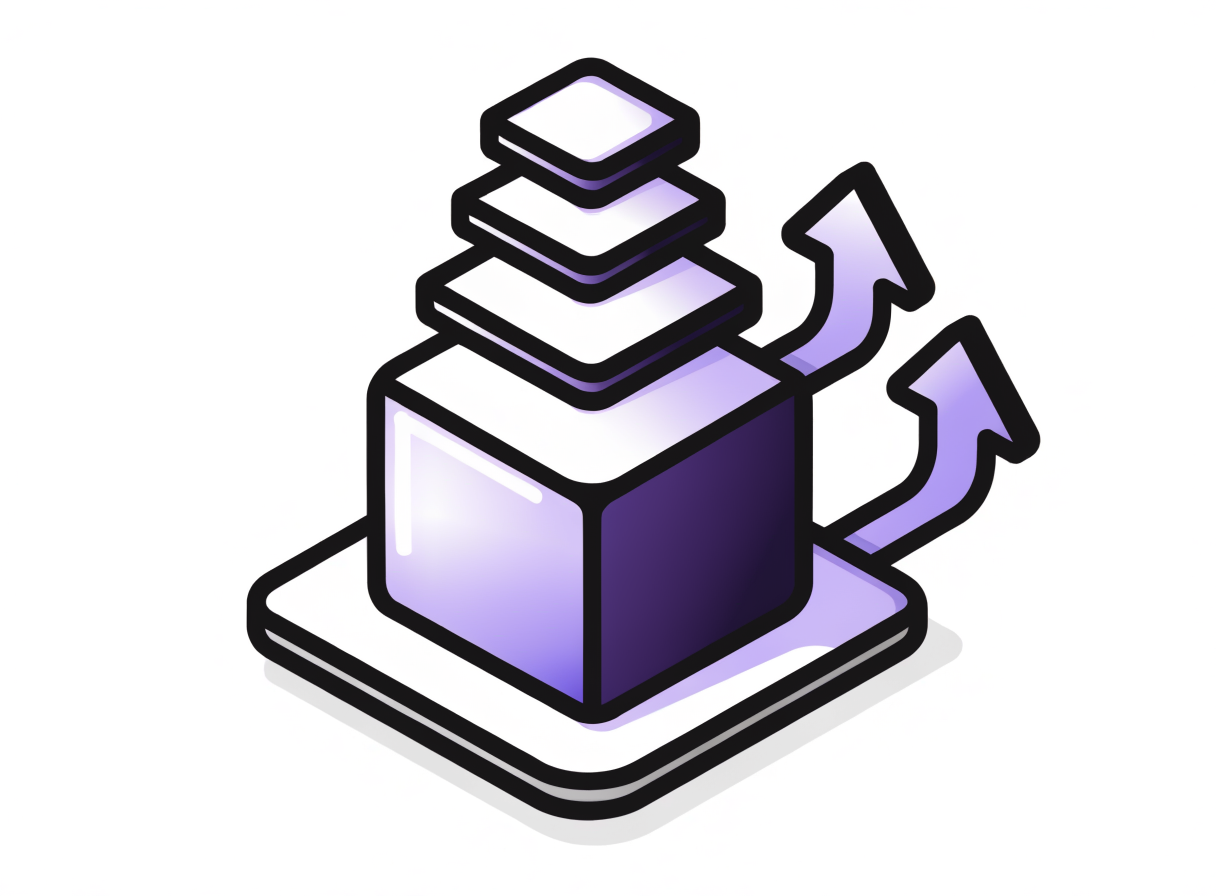
Pain: The harness gets heavier as you add capability. Yesterday’s 4 vCPU / 8 GB agent is today’s resource-starved bottleneck, and you don’t want a forklift rebuild every time. Why it’s a VM problem: Right-sizing a live workload is exactly what a scheduler-aware hypervisor is for. Nutanix: Resize vCPU and memory on AHV as the agent’s appetite grows, often without a full rebuild (hot-add support depends on the guest OS, so check the AHV guest OS compatibility matrix for your image). Underneath, the Acropolis Dynamic Scheduler is live-migrating VMs to keep CPU, memory, and storage balanced across the cluster as your fleet grows, with no action from you.
4. Roll it back

Pain: The overreach story above. The agent didn’t break, it worked, and the work was wrong. Why it’s a VM problem: You don’t want to surgically undo twenty actions. You want the machine back the way it was. Nutanix: Snapshot before the agent runs anything risky; restore in seconds when it overreaches. And because rogue deletion of your safety net is itself a threat, Protection Policies support Secure Snapshots with an approval policy: recovery points that can’t be bulk-deleted by a compromised or overeager process. The agent can misbehave all it wants; it can’t erase its own undo button.
5. Let teams self-serve, safely
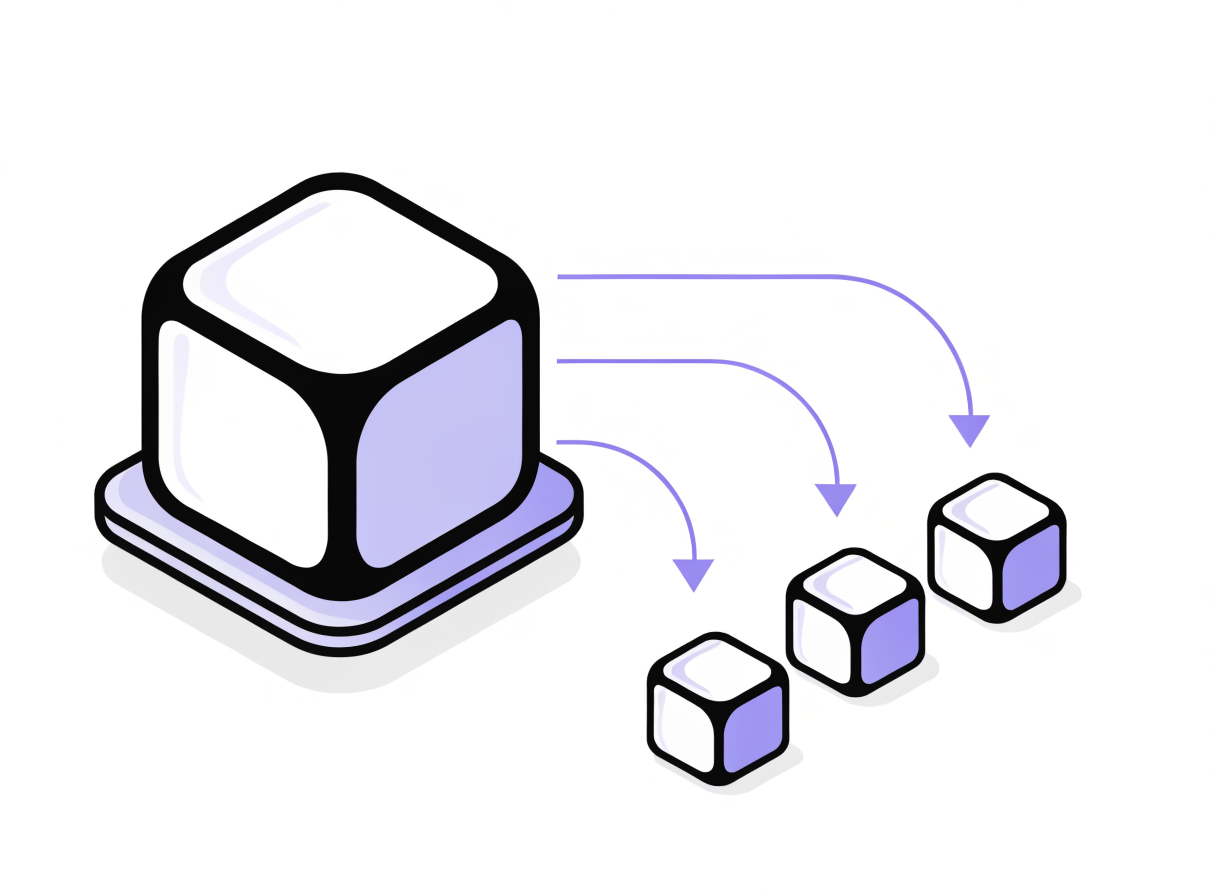
Pain: If every team files a ticket to get an agent VM, you’ve built a bottleneck. If every team builds their own however they like, you’ve built a zoo. Why it’s a VM problem: This is multi-tenant provisioning with guardrails, a solved platform problem. Nutanix: NCM Self-Service lets you publish a blessed golden agent blueprint that teams launch themselves. Projects scope who gets what, Quota Policies cap how much CPU/RAM/storage a team can consume, role-based access control keeps people in their lane, and Showback shows each team the cost of what they spun up, per vCPU and per GiB, right in the blueprint canvas. A paved road, not a free-for-all. This maps directly onto the “acceptable agency” and role-based access principles in the IBM and Anthropic guide to architecting secure enterprise AI agents: you’re encoding least privilege at the provisioning layer.
6. Contain the blast radius
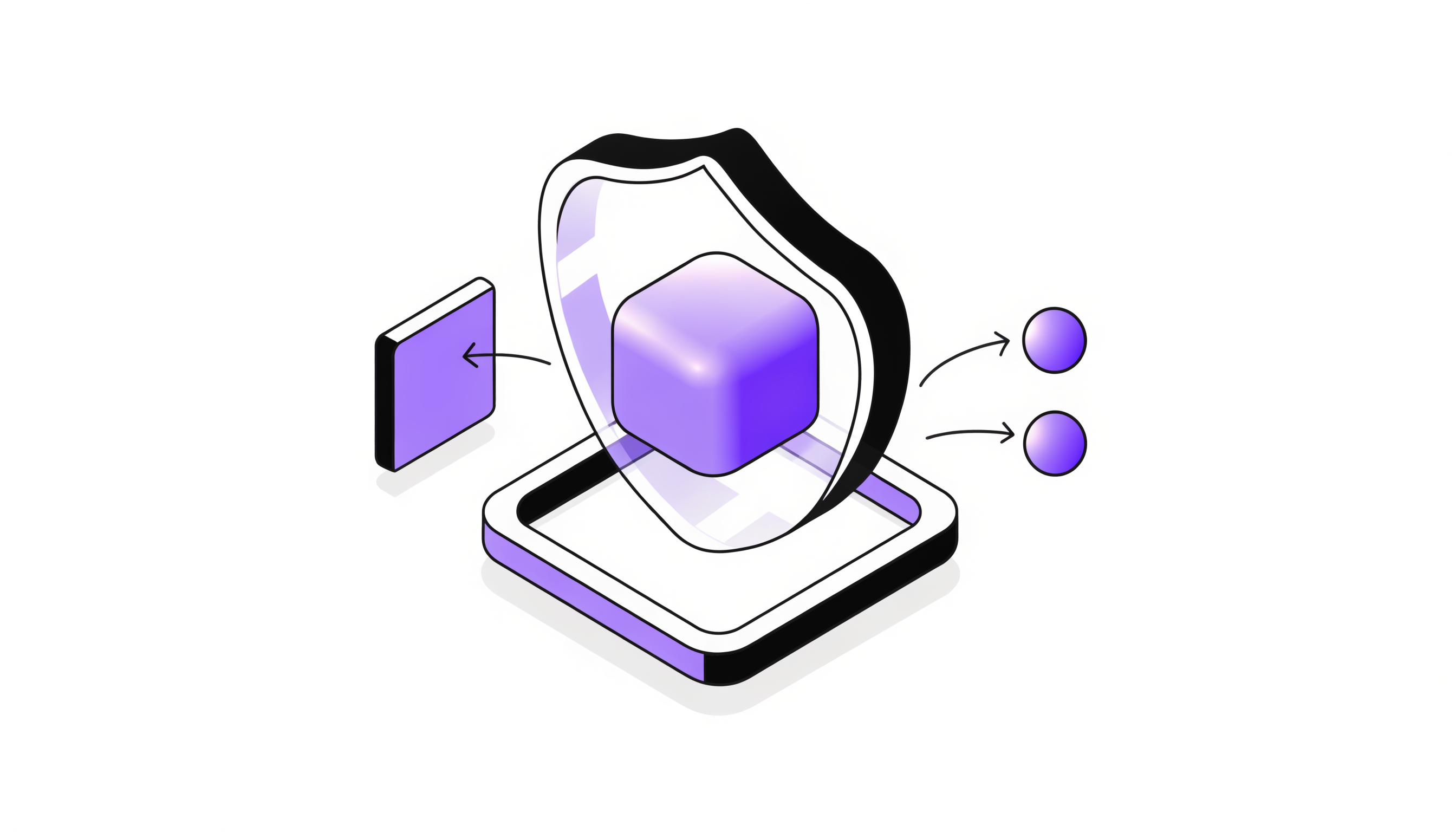
Pain: An agent runs code and takes actions. If it’s prompt-injected or simply compromised, the IBM/Anthropic guide’s phrase for what happens next is an “attack amplifier”: it operates autonomously, at machine speed, with whatever access you gave it. The default flat network means a single popped agent can reach everything.
Why it’s a VM problem: Limiting what a workload can talk to is microsegmentation, network security at the VM identity layer.
Nutanix: Flow Network Security enforces category-based allow-list policies at the workload level, in Open vSwitch on the AHV host itself. Tag your agents role: agent and write a policy that lets them reach only the LLM API endpoint and your Git remote: nothing else, no lateral movement to the finance VMs, even though they share the cluster. Policies follow the workload by category, so they survive scaling and even DR failover. For deeper inspection (data-loss prevention, prompt-injection screening on egress) Flow can use service insertion through an inspection appliance, which is the “AI firewall / gateway” pattern the secure-agents guide recommends.
7. Right-size the spend
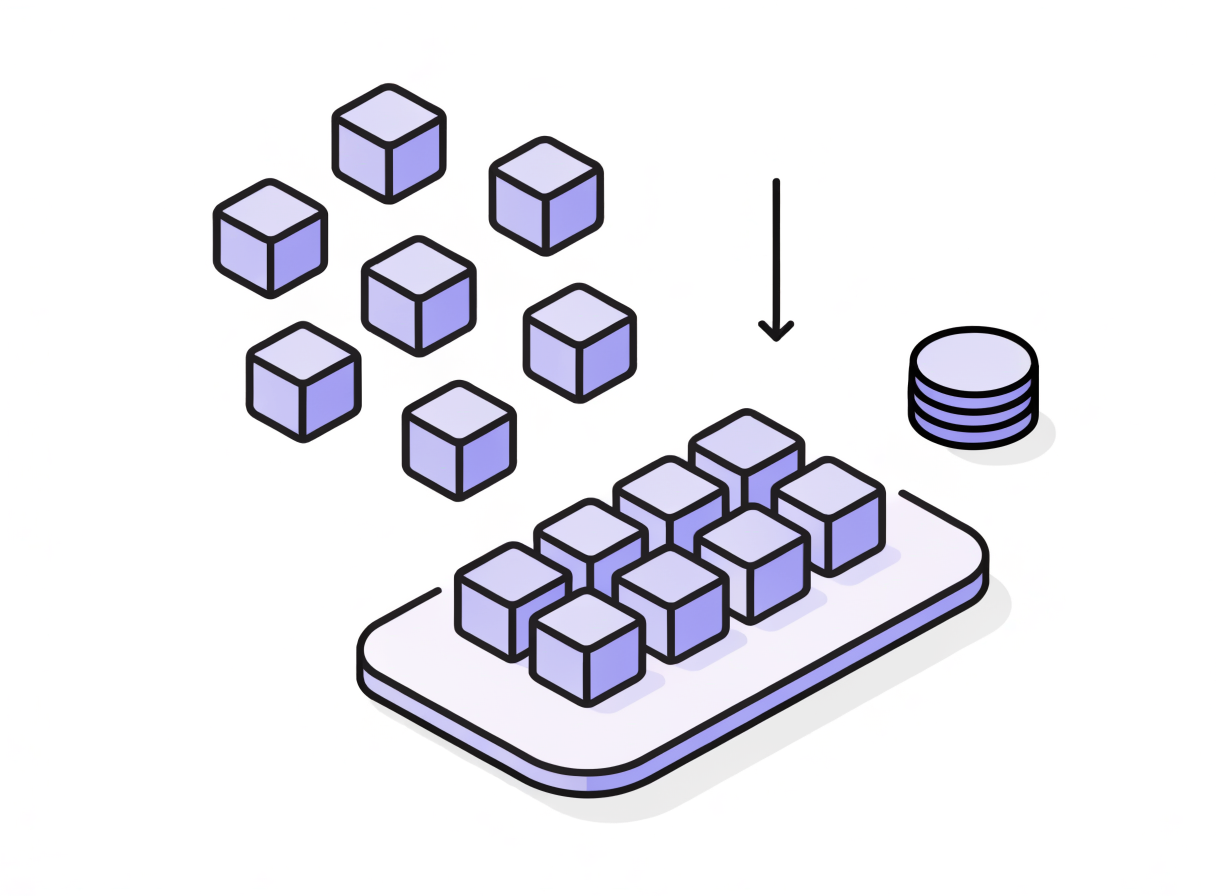
Pain: Agents idle. A lot. They wait on builds, on API calls, on humans. Paying neocloud GPU rates, or even premium hyperscaler CPU rates, for workloads that are mostly waiting is how the agent program dies in the next budget review. Why it’s a VM problem: Consolidation and capacity planning are what a cluster does well. Nutanix: Consolidate the fleet at high density on owned or NC2 infrastructure; let ADS balance the load. Pair it with Showback / Chargeback so each team sees, and owns, what their agents actually cost. The point isn’t “GPUs are bad.” It’s: don’t rent a GPU to run the CPU plumbing.
8. Patch it without flinching

Pain: Agent VMs are real Linux machines with real CVEs. They drift, they go stale, and a long-lived “pet” agent that nobody dares reboot becomes a liability. Why it’s a VM problem: OS lifecycle and patch hygiene are baseline infrastructure work. Nutanix: Treat the agent VM as cattle, not a pet: patch the golden image, snapshot the running fleet as a safety net, and redeploy from the updated blueprint through Self-Service. You don’t have to run that sequence by hand either. Nutanix Playbooks (X-Play) can automate the routine maintenance actions (snapshot-then-act, scheduled VM operations, alert-triggered remediation) so patch hygiene runs on a trigger instead of a memory. The infrastructure layer (AOS/AHV, firmware) updates through Nutanix lifecycle management, and the Security Dashboard in Prism Central tracks hardening and STIG compliance posture across clusters so you can prove the substrate is clean. See the public docs: Task Automation, Playbooks (Nutanix Intelligent Operations Guide).
9. Manage its secrets
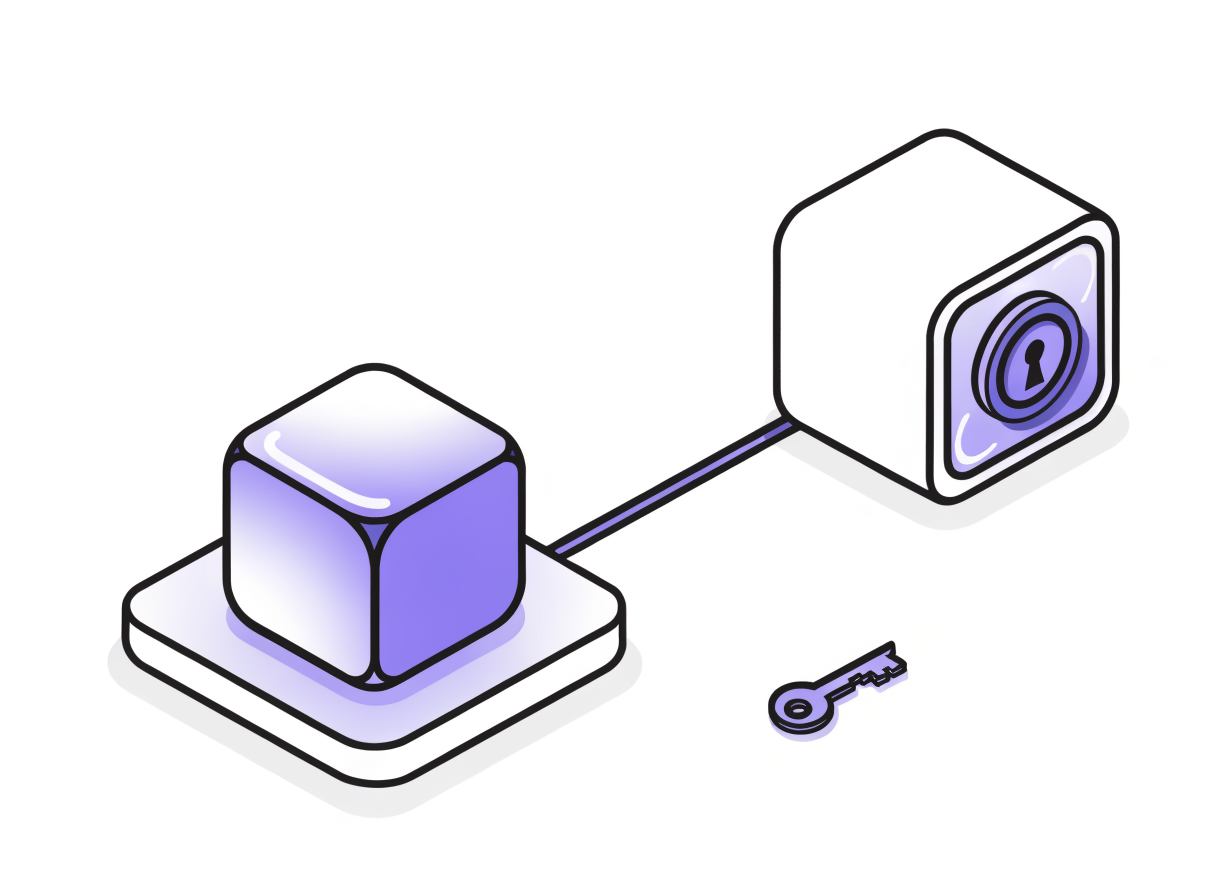
Pain: Agents need credentials: API keys, Git tokens, service accounts. Bake them into the image and you’ve shipped a secret to every clone. The IBM/Anthropic guide is blunt here: agents are non-human identities and they should not share credentials. Each needs its own unique identity, ideally with just-in-time, time-bound access that’s revoked the moment it’s not needed. Why it’s a VM problem (partly): Secret storage belongs in a vault, not on the VM; be honest about that. But the blast radius of a leaked secret is a network problem, and so is per-agent identity at the infrastructure layer. Nutanix: Keep secrets in a dedicated secrets manager (HashiCorp/IBM Vault, CyberArk, or your cloud’s key vault), not the disk image, and prefer short-lived, just-in-time credentials over long-lived keys. Give each agent VM a distinct identity and category. Then use Flow to ensure that even if a credential leaks, the agent that holds it can only reach the endpoints its policy allows: a stolen key that can’t phone home is a much smaller problem. Nutanix is the substrate and the network control here, not the secrets manager itself.
The paved road is the payoff
Step back and look at chores 5, 6, and 9 together, because that combination is the actual product.
Give every team a golden agent template they can launch themselves (Self-Service), fenced off so it can only reach what it’s supposed to (Flow), that snapshots itself before it does anything irreversible (Protection Policies).
That’s a paved road. Your agents will still misbehave. The model will keep improving, the world will keep drifting, and somewhere an agent will still decide at 2 a.m. that your config needs “cleaning up.” The difference is that on this road, misbehaving is a thirty-second rollback inside a blast radius the size of one VM, not a lost night, and not a lateral-movement incident.
The GPU is somebody else’s API. The agent is yours to keep alive. House it well.
The chore-to-capability map
| # | The chore | The pain | Nutanix capability |
|---|---|---|---|
| 1 | Keep it alive | Host dies mid-task | AHV VM High Availability (Guarantee mode) |
| 2 | Protect its state | Working dir isn’t all in Git | Protection Policies (category-based) |
| 3 | Grow on demand | Harness outgrows its VM | vCPU/RAM resize + Acropolis Dynamic Scheduler |
| 4 | Roll it back | Agent overreaches | Snapshot + restore; Secure Snapshots |
| 5 | Self-serve safely | Ticket bottleneck vs. zoo | NCM Self-Service: blueprints, projects, quotas, RBAC, showback |
| 6 | Contain blast radius | Compromised agent = attack amplifier | Flow Network Security microsegmentation |
| 7 | Right-size spend | Idle agents at GPU prices | Consolidation + ADS + showback/chargeback |
| 8 | Patch without flinching | Stale, drifting agent OS | Golden-image re-bake + Playbooks (X-Play) + lifecycle mgmt + Security Dashboard |
| 9 | Manage secrets | Shared/baked-in credentials | Vault + per-agent identity + Flow egress control |
*Want the paved road? Start with a golden agent blueprint in Nutanix Self-Service, fence it with Flow, and snapshot it before it runs. Learn more about AHV, Nutanix Self-Service, and Flow Network Security at nutanix.com.
*
Continue the discussion on LinkedIn → https://www.linkedin.com/posts/dwaynelessner_your-agent-doesnt-need-a-gpu-it-needs-a-activity-7475571026983084032-PtYY?utm_source=share&utm_medium=member_desktop&rcm=ACoAAAHP2ycBqzVmkdI2pAuyIRncEUcq5H7hswg
Sources & further reading
- A widely-shared talk on agent harness maintenance (the sailboat framing): youtube.com/watch?v=BOXK2XFLA-E
- Stewart Brand, Maintenance of Everything (Stripe Press)
- IBM and Anthropic, Architecting Secure Enterprise AI Agents with MCP (IBM walkthrough): youtube.com/watch?v=UMYtqHptYvA
- Nutanix Intelligent Operations Guide, Task Automation / Playbooks